Save up to 30% on WP Ultimate CSV Importer + Free 5 hours Customization
Limited time Offer
Import and export JetEngine data using CSV, XML, Excel, or Google Sheets with WP Ultimate CSV Importer.
Pay once and enjoy for a lifetime. No recurring fees are required.
No limits, no restrictions—use it on as many websites as you like.
Receive world-class support—forever, with no additional charges.

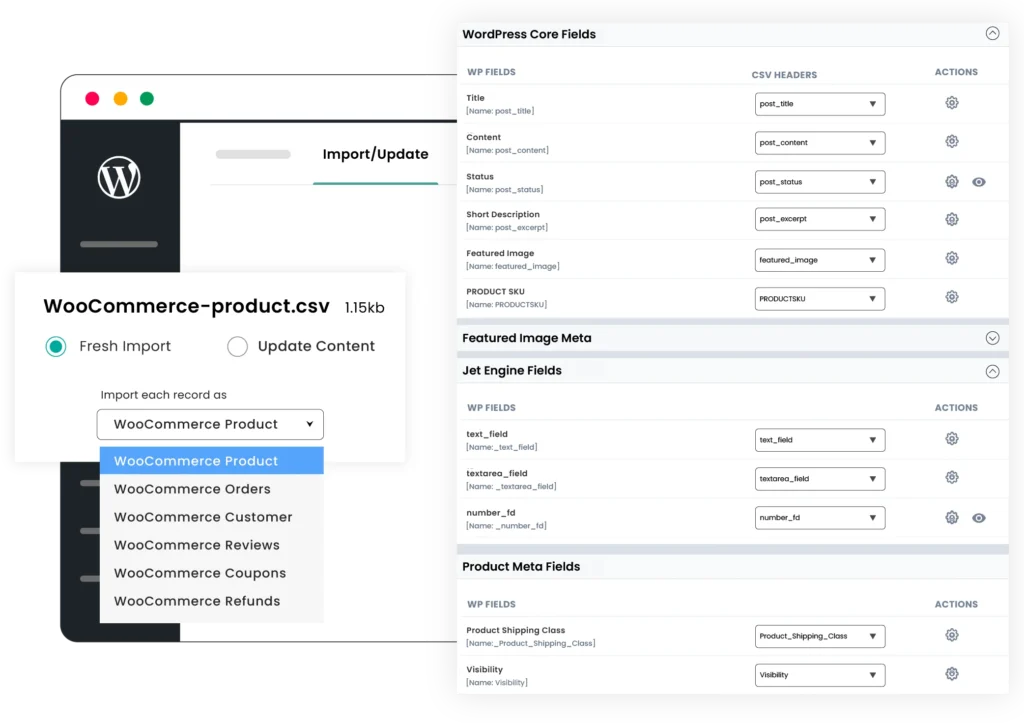
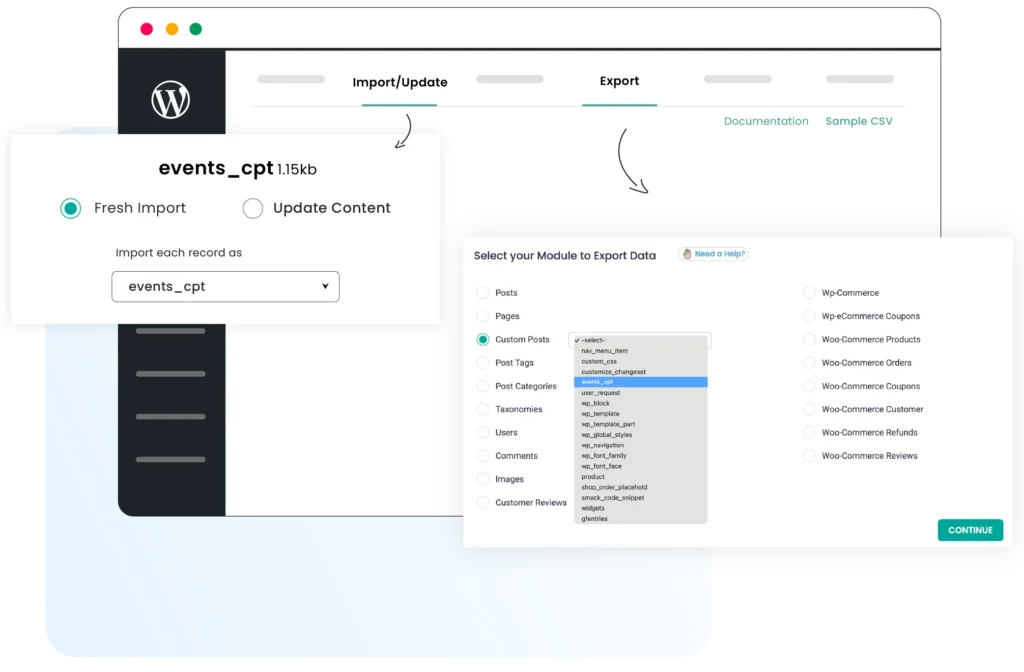
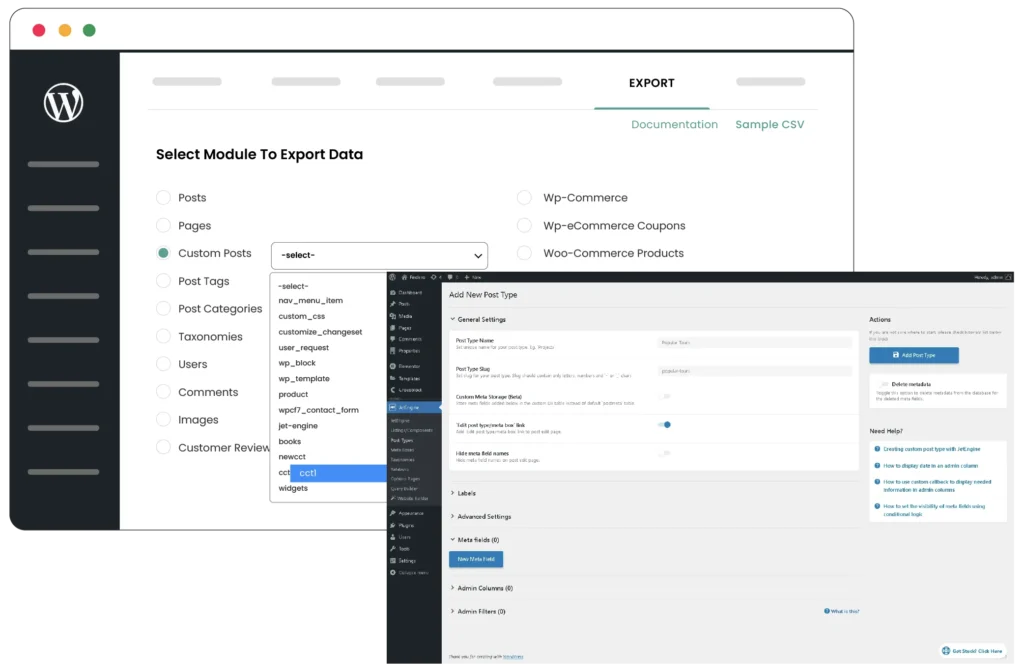
Transfer JetEngine custom post types, CCTs, terms, and meta fields between sites easily. WP Ultimate CSV Importer offers a seamless import and export process so you can migrate them faster and save time.

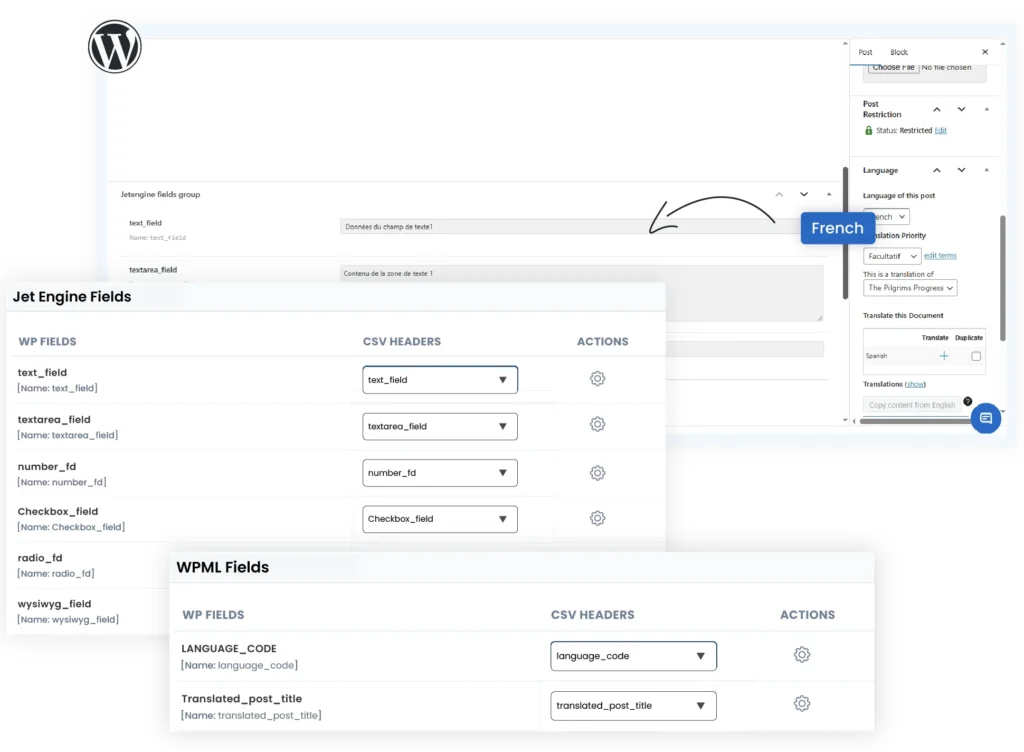
Fully supports Jetengine fields such as repeaters and relations. Prepare the fields value in CSV, XML, or Excel file and bulk import or update them. Export them whenever needed as any one of the supported file types.

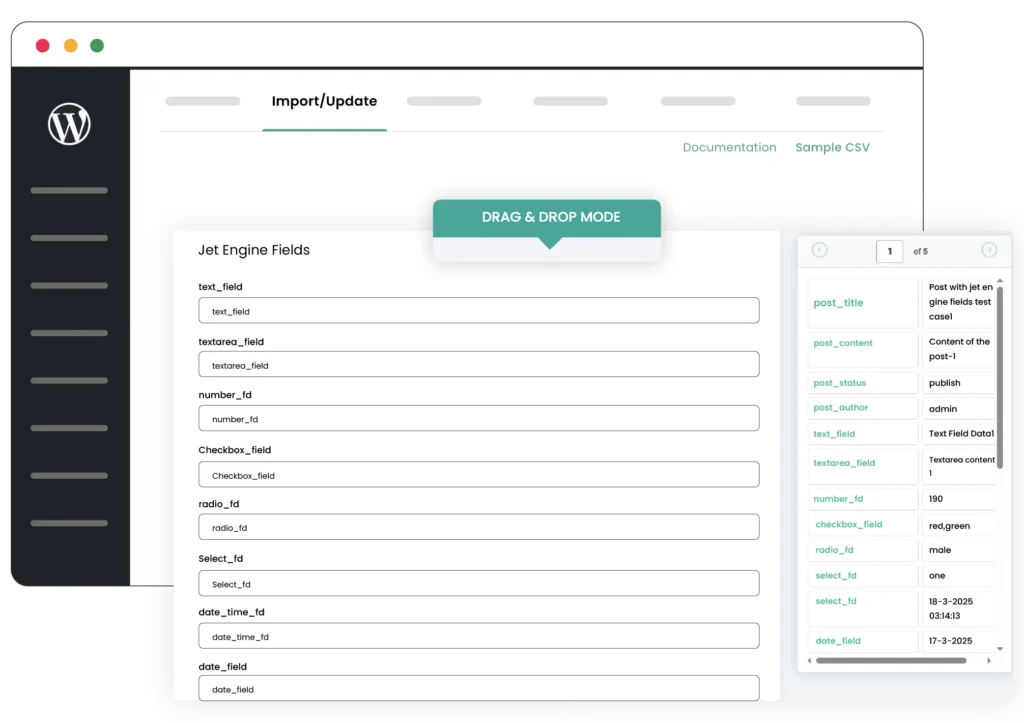
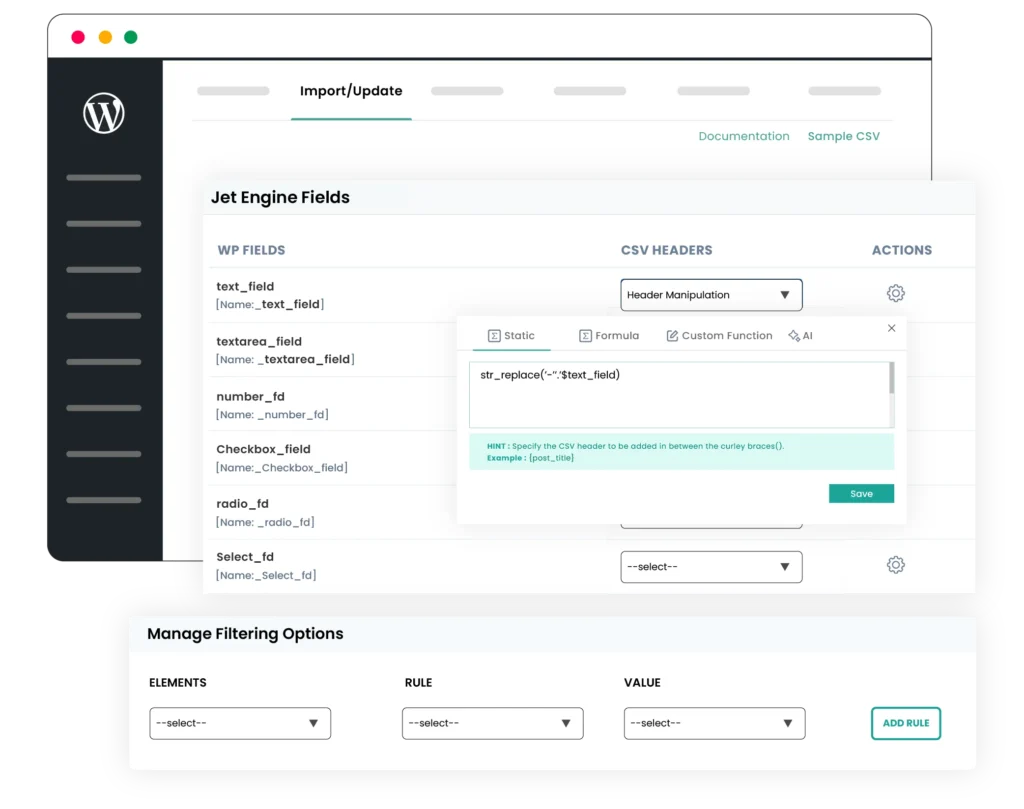
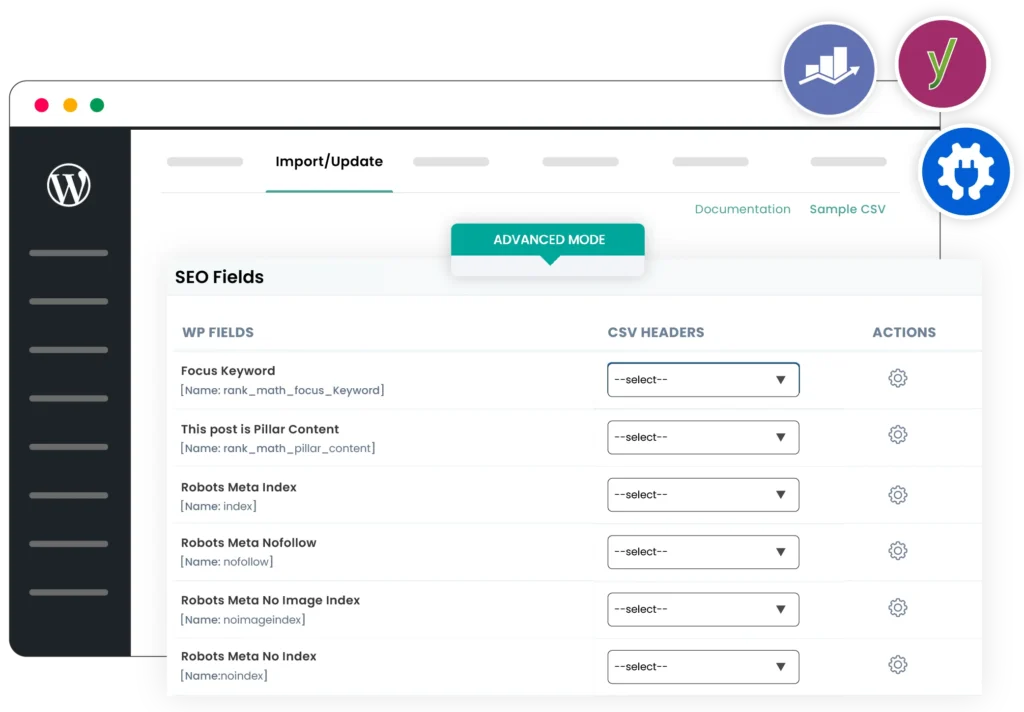
Built for users of all levels. Our intuitive interface, including drag and drop mapping, minimizes the learning curve and speeds up implementation. It ensures error-free mapping and simplifies the import process.
$249 $199
$399 $299
$249 $199
WP Ultimate CSV Importer offers support for 19 JetEngine fields, which are listed below:
Text, Date, Time, DateTime, TextArea, WYSIWYG, Switcher, Checkbox, Iconpicker, Media, Gallery, Radio, Select, Number, Colorpicker, Post, Repeater, and Relationship.
If we missed any field that you believe should be included, let us know, and we’ll add it for you.
To import data to JetEngine fields, make sure you’ve assigned the field group to any post type. Then follow the steps below:
We follow a simple and standard file structure for achieving accurate data import. When preparing your import file, make sure its values are provided in the appropriate formats. We’ve mentioned it in detail in our documentation. You can check our JetEngine Import Export documentation.
It’s affordable, powerful, and reliable. You get lifetime access, free updates, and all the features you need for seamless JetEngine import and export, all in a one-time purchase.
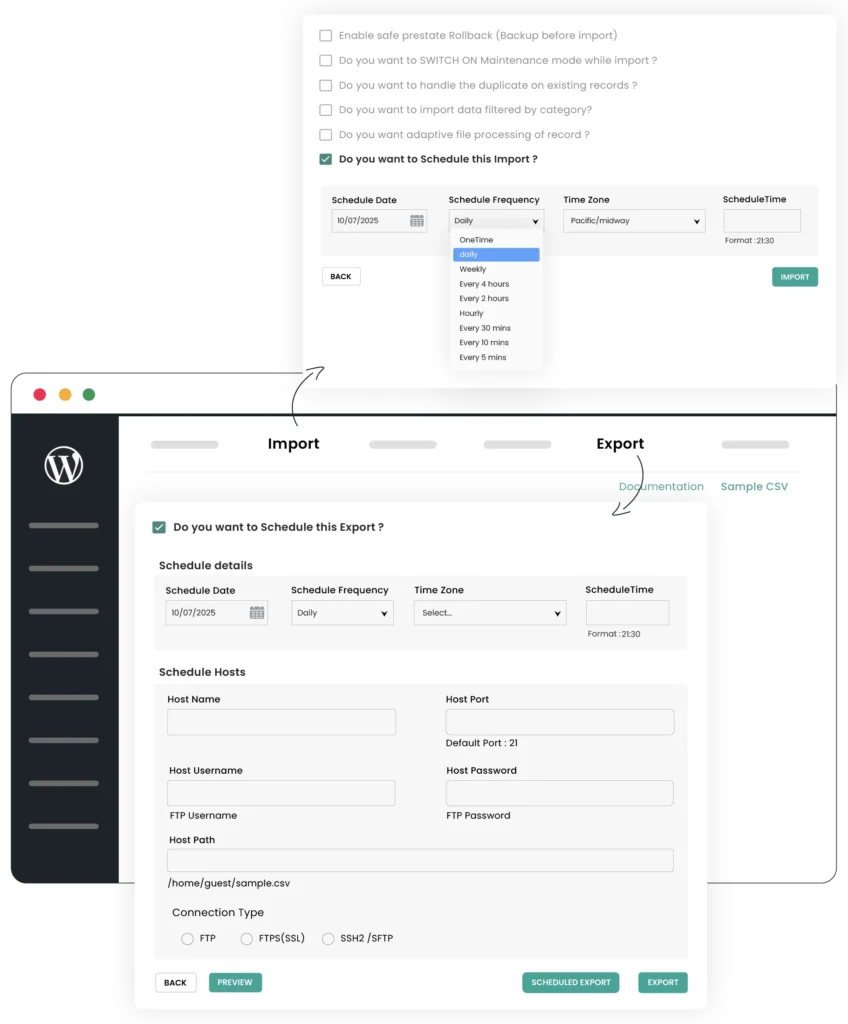
Scheduling your JetEngine import with WP Ultimate CSV Importer involves the following steps:
But before doing this, make sure to add a cron entry in your terminal. Refer to how to enable WP-Cron in WordPress here.
Yes. The plugin doesn’t automatically create new meta fields during import if they’re not already defined in your JetEngine setup. So ensure you’ve created the meta fields provided in your import file and assigned them to a post type.
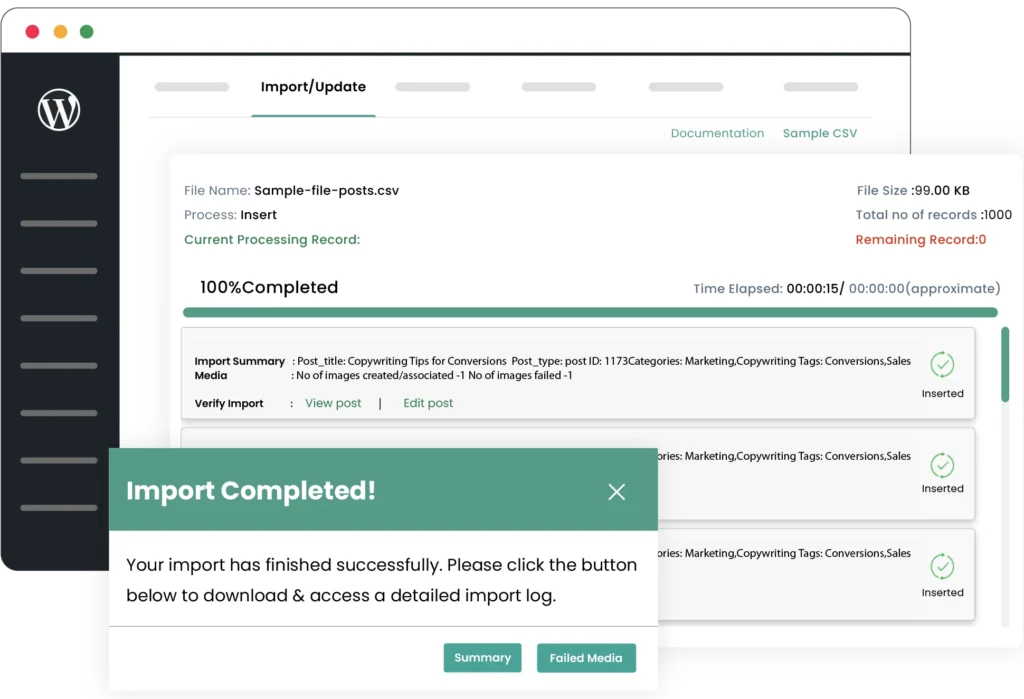
WP Ultimate CSV Importer uses an iteration-based process, allowing you to import or export thousands of records with JetEngine fields efficiently without timeout or memory issues.