Save up to 30% on WP Ultimate CSV Importer + Free 5 hours Customization
Limited time Offer
The complete solution for importing and exporting Advanced Custom Fields (ACF) in WordPress. Everything you need to migrate your custom field data smoothly and reliably.
Pay once and enjoy for a lifetime. No recurring fees are required.
No limits, no restrictions—use it on as many websites as you like.
Receive world-class support—forever, with no additional charges.

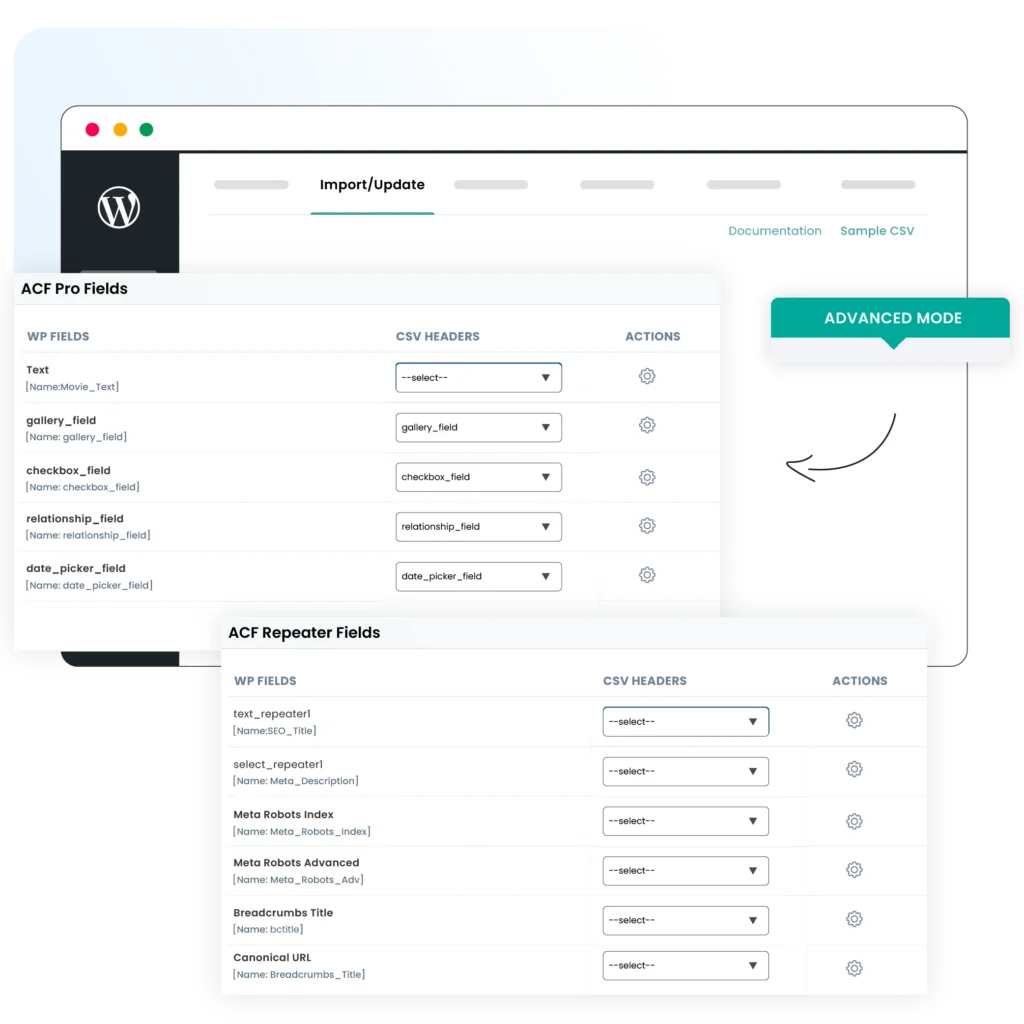
Effortless ACF data migration & backup for WordPress sites. From text and number fields to complex structures like repeaters and flexible content, our plugin supports a wide range of ACF field types.

Update your ACF fields data in bulk. WP Ultimate CSV Importer allows you to modify multiple required ACF entries in a single go, saving you a lot of valuable time. Modify your CSV/XML file and update data in bulk.

Automate ACF data management by scheduling regular imports and exports. Set up schedules via ftp or url to run periodically, like weekly, daily, or monthly, and back up your ACF data. This is useful if you require frequent updates and backups.
$249 $199
$399 $299
$249 $199
WP Ultimate CSV Importer supports ACF field types like text, text area, number, range, email, url, password, wysiwyg editor, image, file, oembed, gallery, select, checkbox, radio button, group, true/false, link, page link, post object, relationship, taxonomy, user, google map, date picker, datetime picker, color picker, repeater, repeater of repeater, and flexible content fields. To know how to add values to these fields, refer to the ACF import export documentation.
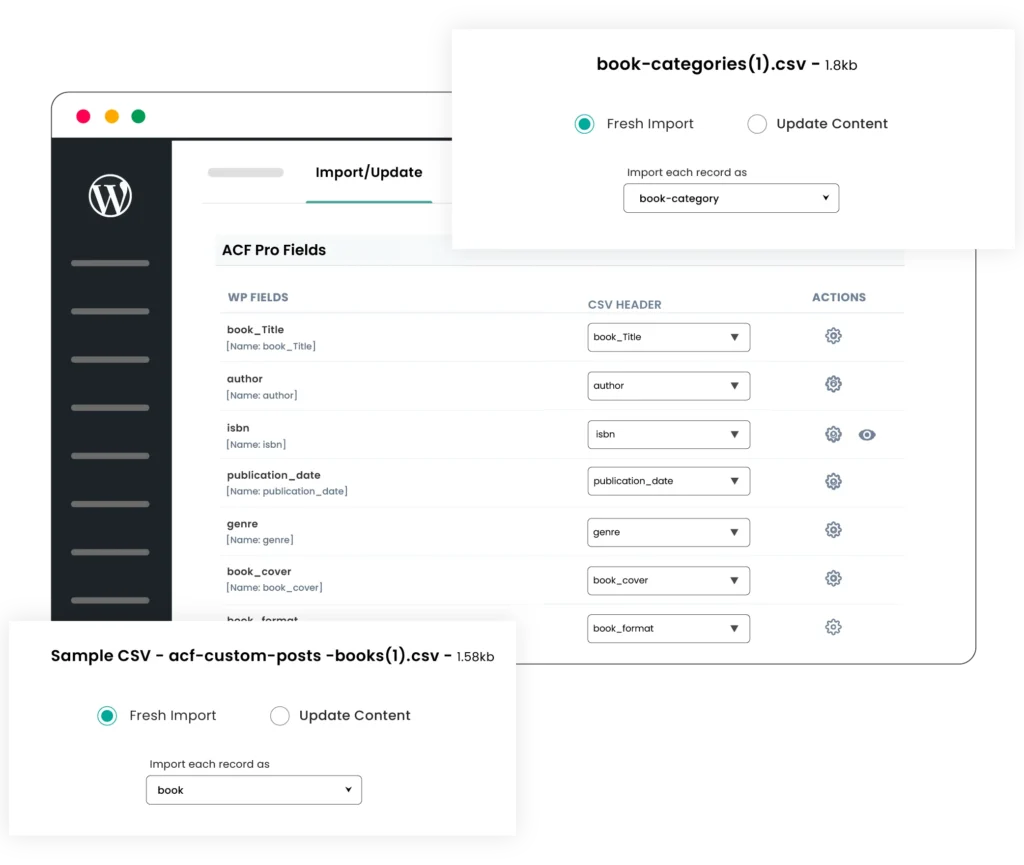
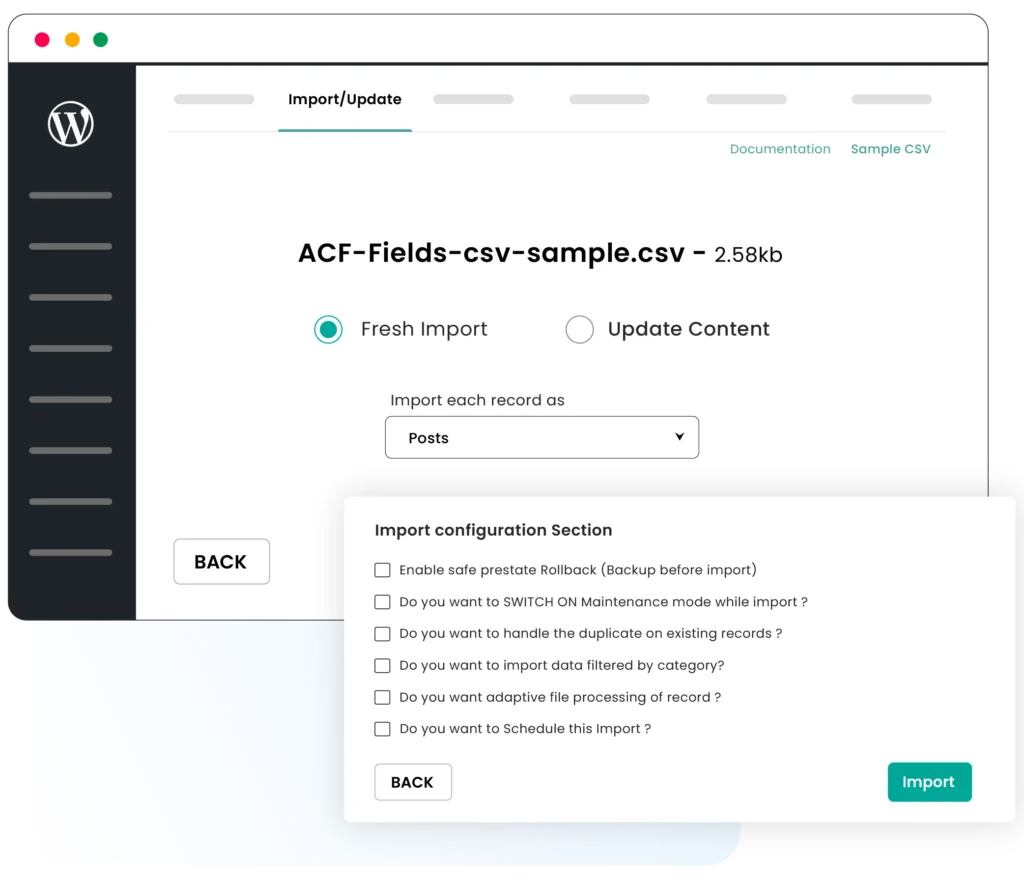
Yes, you can bulk update ACF data. Modify the multiple ACF entries simultaneously by tweaking your CSV or XML file and reimporting the data with WP Ultimate CSV Importer. When reimporting, make sure to choose the ‘update content’ option shown after file upload.
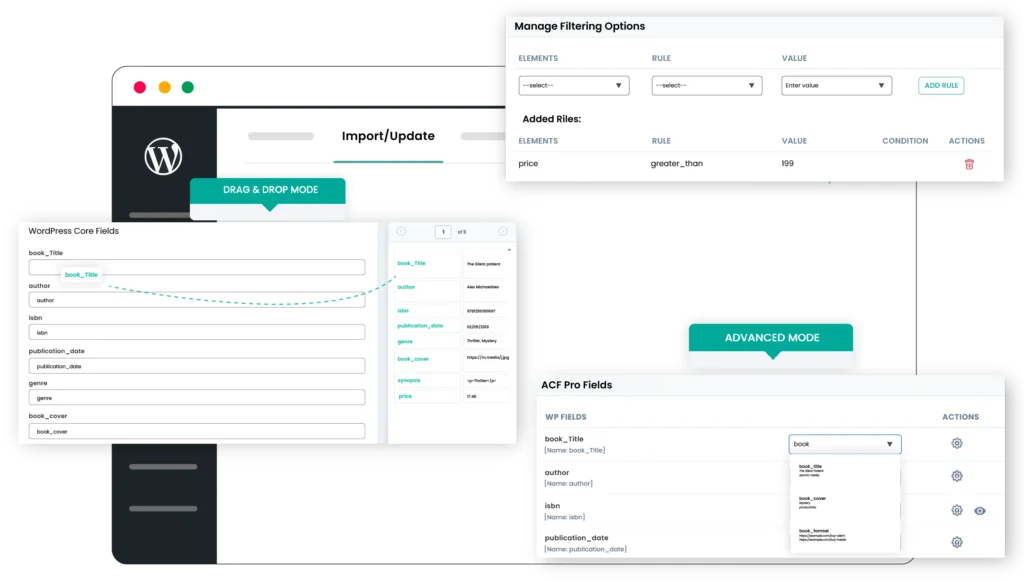
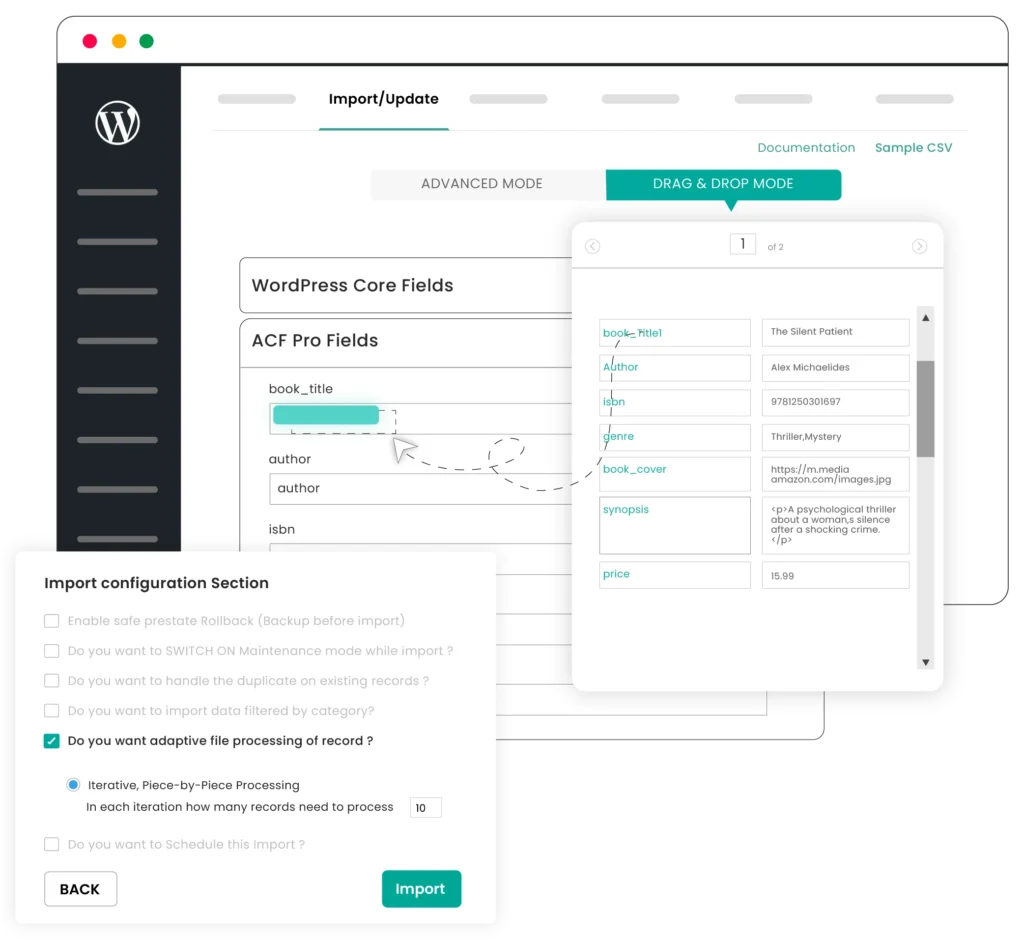
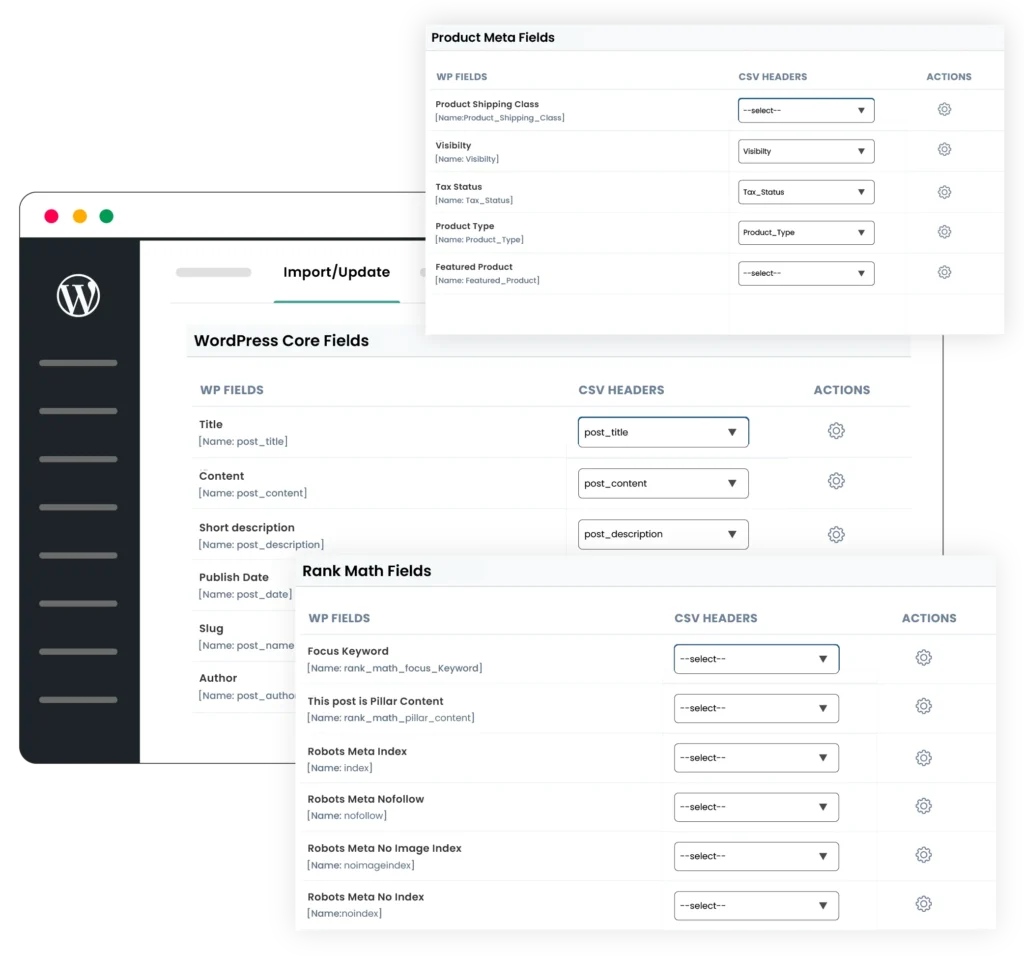
WP Ultimate CSV Importer stands out with its comprehensive support for various ACF field types, seamless integration with popular plugins like WooCommerce and WPML, and advanced features like scheduling and custom PHP functions. These capabilities, combined with an intuitive drag-and-drop interface, a lifetime license, and a one-time purchase, make it the best choice for users looking to efficiently manage and migrate ACF data.
Absolutely! If you face any issues during the import/export process, our expert support team is available to assist you. We can help resolve any problems quickly, ensuring that your ACF data migration is successful and stress-free. Additionally, we provide detailed documentation and FAQs to help you troubleshoot common issues.
Yes, we are open to discussing your specific requirements. If you need additional features or customizations for your ACF data import/export process, feel free to reach out to us. We are committed to enhancing our plugin to meet the unique needs of our customers, ensuring it remains the most versatile and powerful solution on the market.
Yes, you can schedule your ACF imports at regular intervals using the built-in scheduling feature. Once set, the plugin automatically imports data on your defined schedule time, no manual intervention needed. Learn how to schedule data import here.
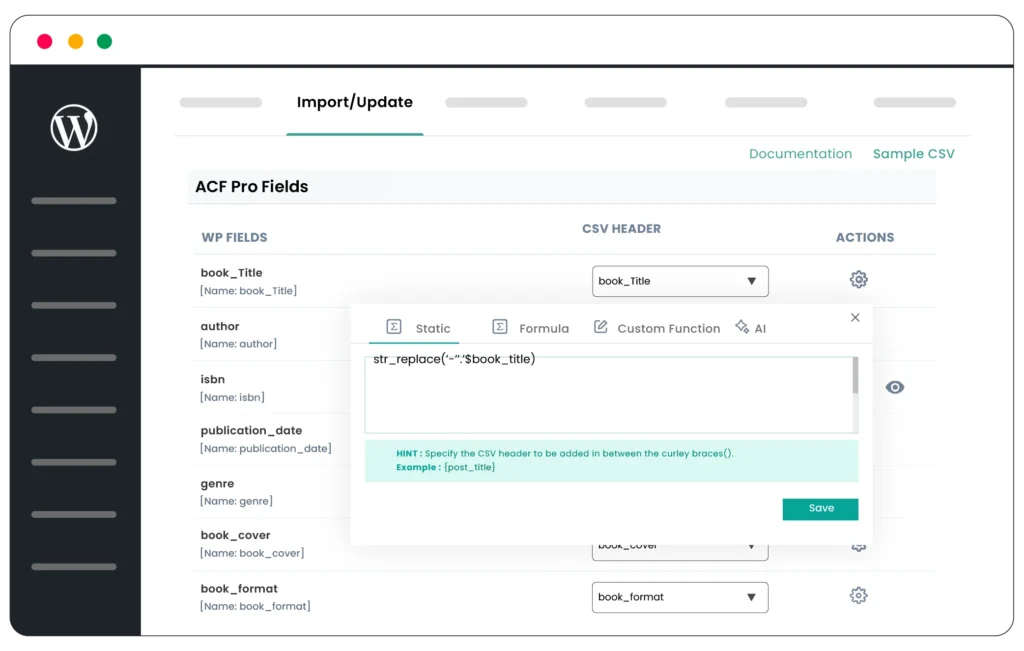
Yes. If you want to customize your ACF data import or apply conditional logic, you can add your own PHP functions during field mapping. This allows you to manipulate, clean, or transform your data dynamically before it’s imported into WordPress.