
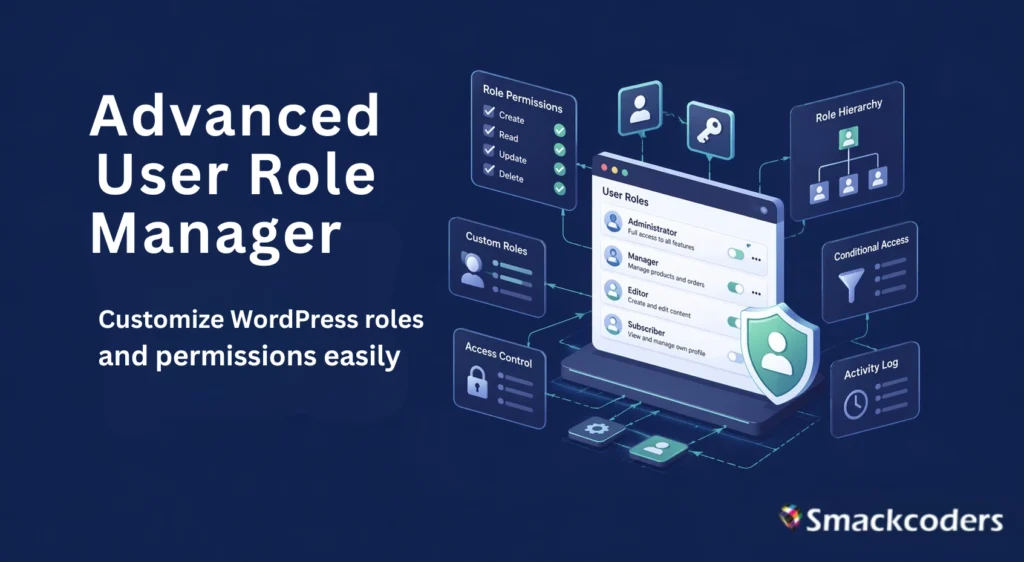
WordPress user role management is how site owners control what each team member can see, edit, and publish from administrators who can do everything, to subscribers who can barely do anything. WordPress ships with six default roles that cover the basics, but most growing teams outgrow them fast.
That’s where Advanced User Role Manager, a free plugin from Smackcoders, comes in. It gives you full control over WordPress user roles and capabilities: create custom roles, assign multiple roles to a single user, set expiration dates on temporary access, and track every change with a built-in audit log all from a clean WordPress admin screen.
Why WordPress User Role Management Matters
Running a modern WordPress site almost always means working with a team. Writers publish content, designers upload media, shop managers process orders, and freelancers need short-term access for specific projects. WordPress ships with six default roles:
1. Super Admin
2. Administrator
3. Editor
4. Author
5. Contributor
6. Subscriber
they cover the basics. The moment your team grows past two or three people, those defaults start to feel tight.
Security professionals recommend the principle of least privilege: every account should hold the minimum permissions needed to do its job, and nothing more. Extra permissions are extra risk. A compromised administrator can wipe a site in minutes, while a tightly scoped role limits the blast radius, with AI-driven bots scanning sites at record speed, clean role hygiene is no longer optional.
That is where a dedicated role management plugin earns its keep. A good one saves you from writing custom code, patches the gaps in WordPress’s default permissions model, and gives site owners a paper trail they can actually hand to an auditor.
What Is the Advanced User Role Manager Plugin?
Advanced User Role Manager is a free, open-source WordPress plugin built by Smackcoders. It extends the native WordPress role system with the advanced controls that growing teams actually need: temporary role assignments, multi-role support, OAuth2 login, and a full audit trail.
The plugin supports WordPress 6.8 or higher and PHP 7.0 or higher. It is compatible with WooCommerce, respects plugin-added roles like Shop Manager and Customer, and works across WordPress Multisite networks. Installation is the same as any other plugin upload, activate, and you are ready to configure.
Core Features That Set It Apart
Custom role creation, cloning, and editing
Build new roles from scratch or clone an existing one as a starting point. Name them anything that fits your workflow: “Guest Blogger,” “SEO Analyst,” or “Campaign Manager,” and fine-tune their capabilities at any time.
Granular capability control
WordPress has more than sixty built-in capabilities, from edit_posts to activate_plugins. Advanced User Role Manager lets you toggle each one with a checkbox. Need a contributor who can upload images but not publish? A shop editor who can manage products but not view payment details? Configure it in seconds.
Multi-role support
Real-world users rarely fit into a single box. A team member might be both an Author and a Shop Manager. The plugin lets you assign multiple roles to one user, and WordPress merges the capabilities automatically.
Temporary roles with auto-expiration
This is the feature that sells the plugin for agencies. Assign a role to a freelancer, set an expiration date, and the plugin strips the access at midnight on that day. No more manually downgrading contractors after a project ends.
OAuth2 integration
Log users in through Google, Microsoft, or any OAuth2 provider, and map each external identity to the right WordPress role automatically. The setup is guided, so you do not need to hand-edit any config files.
Complete audit log
Every role change, capability tweak, and user assignment is recorded with the actor’s name and a timestamp. If something breaks, you can trace exactly who changed what, which is useful for debugging, compliance, and post-incident reviews.
Role-based user filtering
Filter your user list by role with a single click. Bulk-edit contributors, message every shop manager, or export the list of users whose temporary access expires next week.
Who Should Use Advanced User Role Manager?
The plugin pays for itself: and it is free, so that math is easy: in any of these scenarios: membership sites that sell tiered access, multi-author publications where editors and guest contributors need different permissions, WooCommerce stores with support reps and vendors, agencies that onboard and offboard freelancers every month, educational platforms where instructors, teaching assistants, and students each need distinct capabilities, and enterprise sites where compliance requires a full audit trail.
If any of that sounds familiar, the plugin solves a problem you are probably handling manually today: usually with a messy spreadsheet and a recurring calendar reminder.
How to Get Started in Four Steps
Step 1: Install it. Go to Plugins, Add New, search for “Advanced User Role Manager,” and click Install. Activate the plugin from your plugin list.
Step 2: Plan your roles before you build them. Write down every job function on your site and the permissions each one actually needs. Skip this step, and you will be editing roles forever.
Step 3: Create or clone. Open the plugin’s admin screen, clone the role closest to what you want, rename it, and adjust the capabilities.
Step 4: Assign and monitor. Assign roles to existing users, set expiration dates where relevant, and review the audit log weekly for anything unexpected. If you run a Multisite network, repeat the process at the network level so every subsite inherits the same baseline.
Best Practices for WordPress User Role Management
Keep administrator accounts to one or two people, and never share them. Audit your user list every quarter, remove inactive accounts, and downgrade users whose responsibilities have changed. Test role changes on a staging site before pushing them live. Review plugin-added roles carefully; tools like WooCommerce and LearnDash add their own roles that can quietly expand a user’s access. And document every custom role you create, so the person who inherits the site after you is not playing detective.
Frequently Asked Questions
Is Advanced User Role Manager free?
Yes. The plugin is free on the WordPress.org directory and actively maintained by Smackcoders.
Does User Role Manager work with WooCommerce?
Yes. It recognizes WooCommerce roles like Shop Manager and Customer, and you can edit their capabilities the same way you edit any other role.
Does Advanced User Role Manager support multiple roles on one account
Yes. Multi-role support is built in, so a single user can hold several roles and inherit the combined capabilities.
What happens when a temporary role expires?
The plugin automatically removes the role from the user on the expiration date you set. No cron job setup required.
Does it support WordPress Multisite?
Yes. The plugin works across multisite networks and respects Super Admin controls.
Conclusion: Take Control of Your WordPress Users
WordPress gives you roles. Advanced User Role Manager gives you control. If you are tired of juggling access requests, worried about forgotten admin accounts, or preparing for a compliance review, install the plugin and spend an afternoon mapping out the role structure your site actually needs. Your future self will thank you.
Ready to tighten your WordPress security and speed up your team workflows?
Download Advanced User Role Manager from WordPress.org or read the full documentation
