
Table of Contents
WordPress powers over 43% of all websites globally, but visibility isn’t automatic. Ranking on Google in 2026 means optimizing for on-page SEO, Core Web Vitals, schema markup, and AI-driven search formats like Google’s Search Generative Experience (SGE).
The right WordPress SEO plugin handles most of this work inside your dashboard. This guide covers the 10 best WordPress SEO plugins, what each one does best, and which one fits your site.
1. Yoast SEO
With over 13 million active installations, Yoast SEO is the most widely used WordPress SEO plugin. It covers everything from keyword optimization and readability analysis to XML sitemaps and breadcrumb control, all from a clean, beginner-friendly interface.
The free version handles most core use cases. Yoast Premium adds multi-keyword tracking, redirect management, and internal linking suggestions powered by its own AI.
Key Features:
On-page SEO analysis, XML sitemaps, readability scoring, social preview, breadcrumb control
Limitation:
Multiple focus keywords and advanced redirect tools require the premium version
Best For:
Bloggers, content teams, and beginners who need a reliable, well-supported SEO plugin
2. All in One SEO
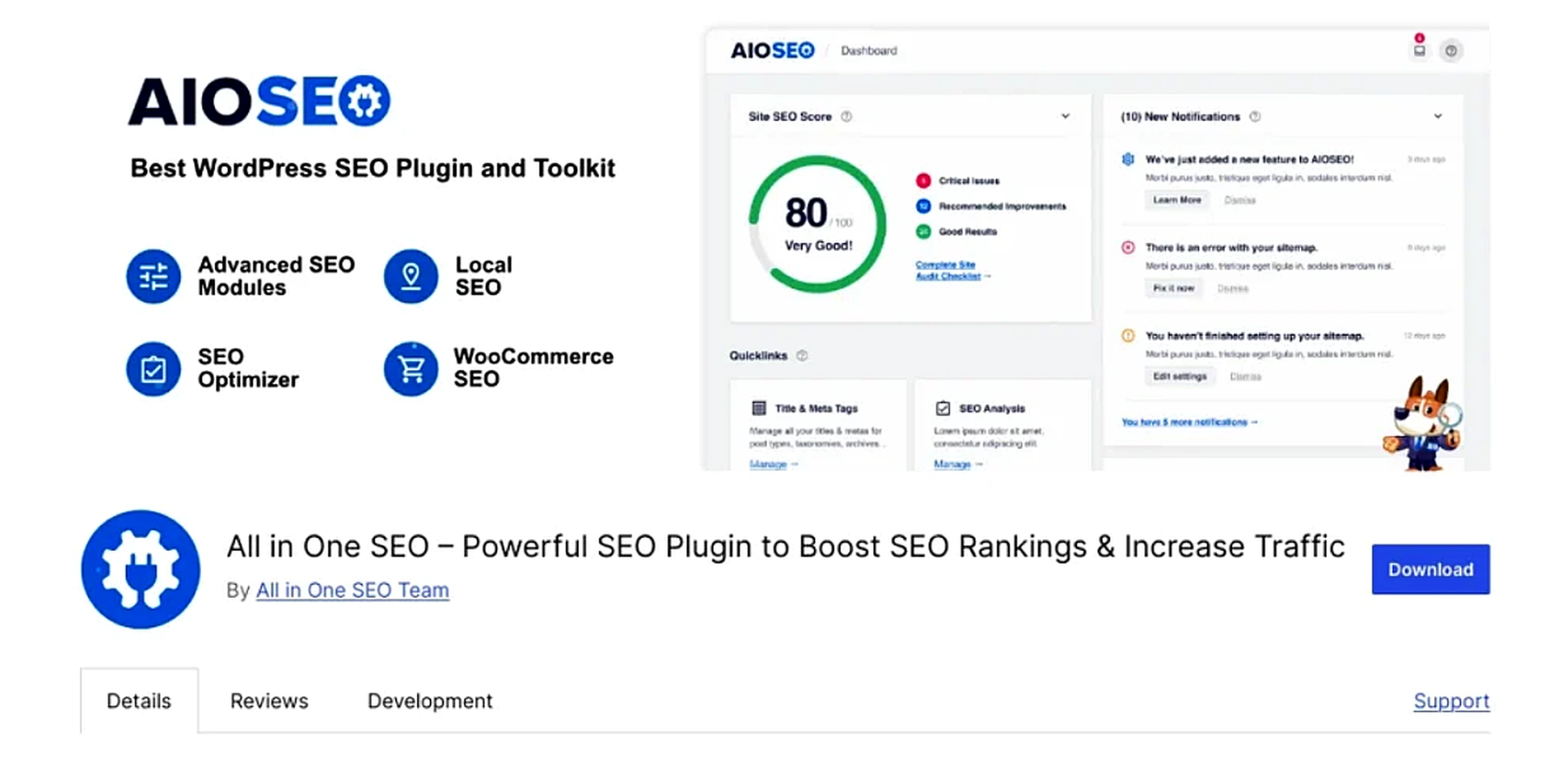
AIOSEO has over 3 million active installations and is built specifically for business and e-commerce sites. It includes a local SEO module, WooCommerce SEO support, video sitemaps, smart schema, and direct Google Search Console integration, making it one of the most complete options available.
Key Features:
Smart schema, local SEO, WooCommerce optimization, Search Console integration, video sitemaps
Limitation:
The feature depth can overwhelm new users initially
Best For:
Business websites, online stores, and sites that need advanced SEO without custom development
3. RankMath
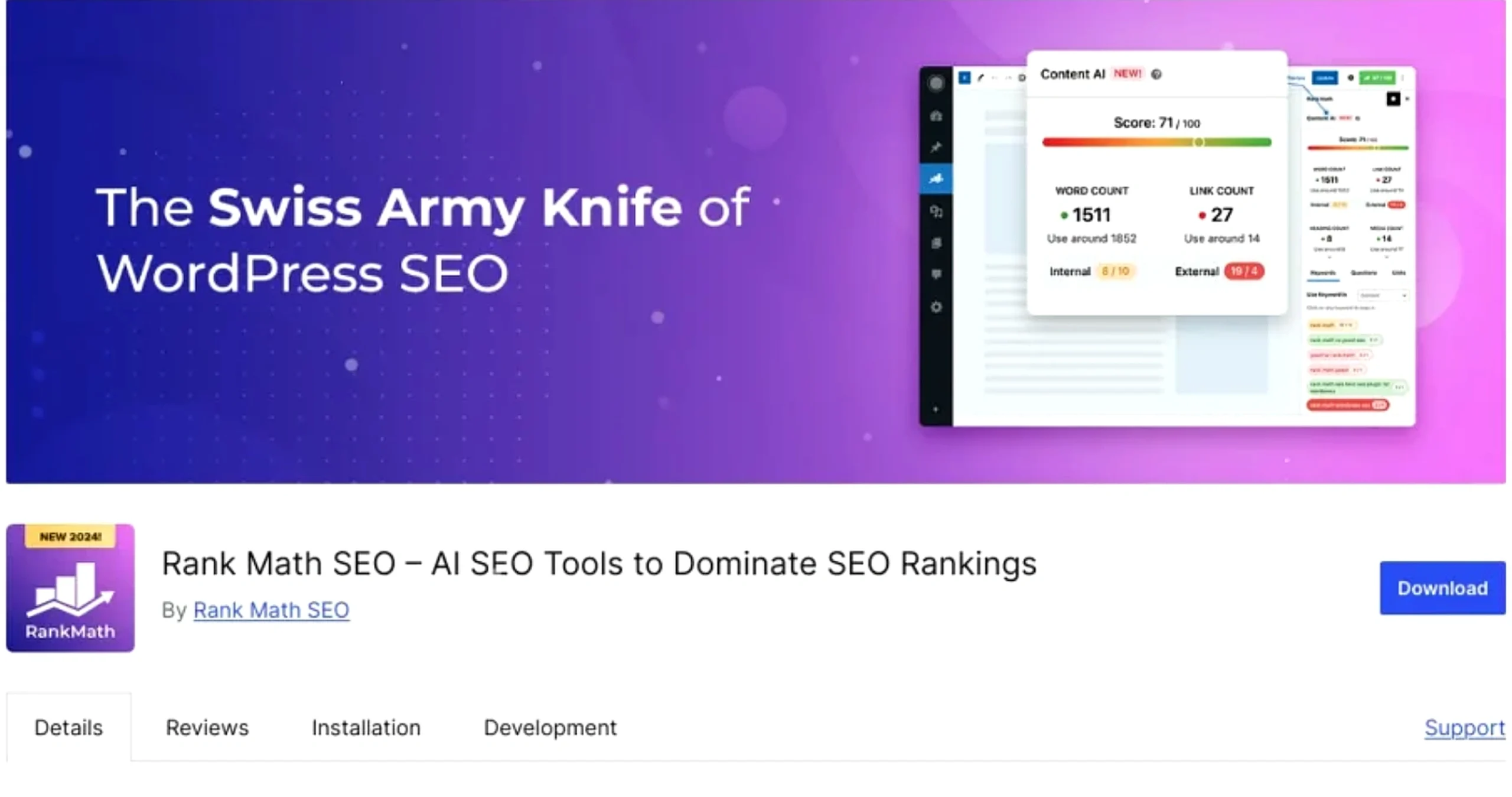
RankMath has grown to over 2 million active installs by offering features that most plugins charge for completely free. Schema markup, rank tracking, Google Search Console integration, a 404 error monitor, and a 100-point SEO scoring system are all built into the free version.
In 2026, RankMath’s structured data support and AI content suggestions make it one of the strongest options for optimizing content for SGE and AI Overviews.
Key Features:
Schema markup, multi-keyword tracking, Search Console integration, redirection manager, and content AI
Limitation:
The feature-rich interface takes time to configure correctly
Best For:
Small business owners, bloggers, and marketers who want enterprise-level features without a premium plan
4. Squirrly SEO
Squirrly is built around guided learning. Rather than just flagging issues, it walks you through fixing them with real-time coaching as you write. Trusted by thousands of businesses worldwide, it’s particularly effective for teams that are building SEO knowledge alongside their site.
Key Features:
AI-guided recommendations, live writing coach, SEO goal tracking, performance dashboard
Limitation:
Not suitable for users who prefer full manual control over optimization
Best For:
Beginners and small teams are developing SEO skills while building their site
5. SmartCrawl
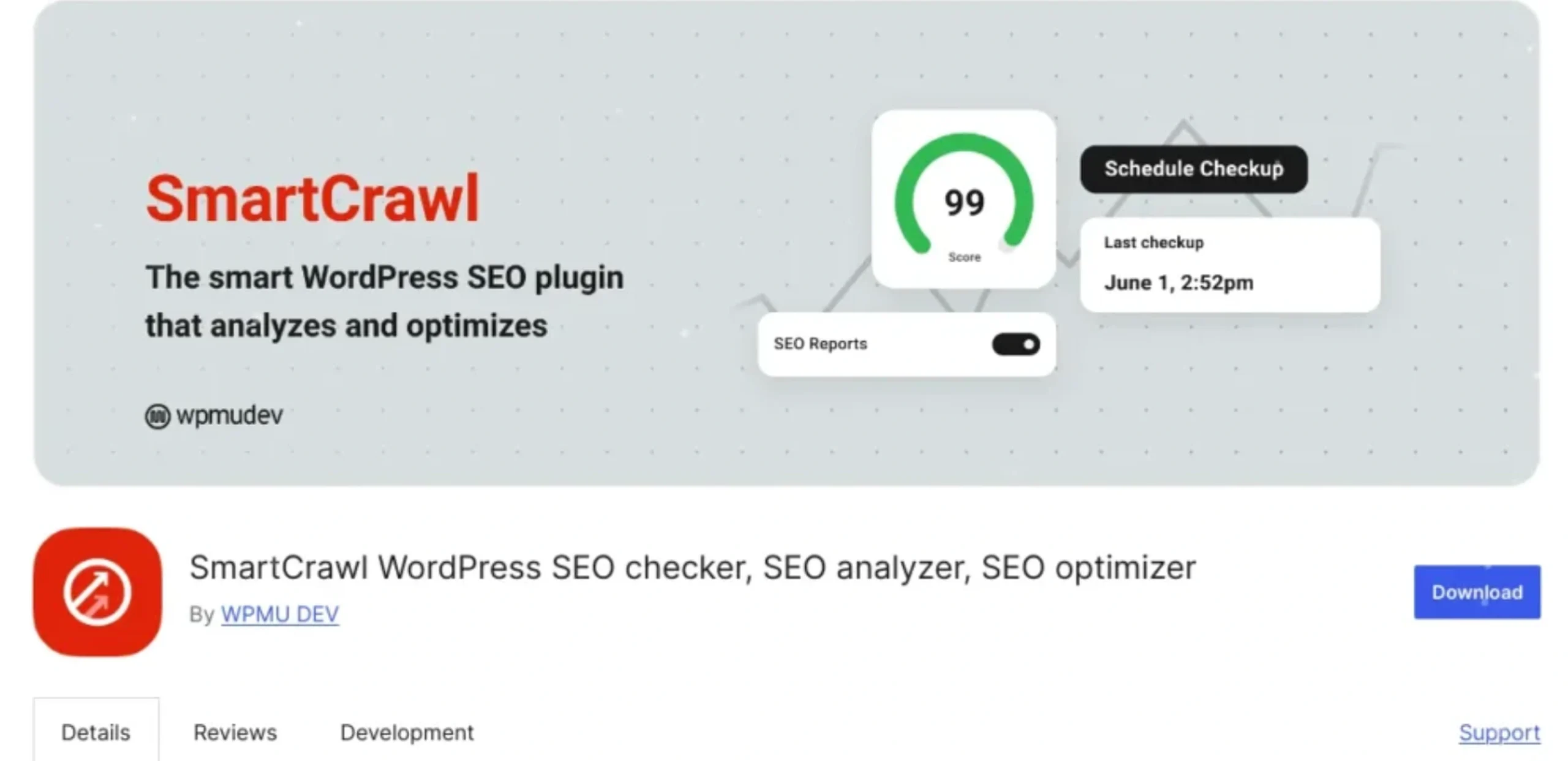
SmartCrawl automates the SEO tasks that other plugins leave manual. It triggers re-indexing whenever content is updated, handles automatic internal linking, and manages sitemaps without requiring configuration. For high-volume publishing sites, this automation saves significant time.
Key Features:
Automated sitemaps, content re-indexing on update, automatic internal linking, keyword optimization
Limitation:
Limited advanced analysis compared to RankMath or Yoast
Best For:
Bloggers and content publishers who need consistent SEO without manual effort
6. The SEO Framework
The SEO Framework is the most performance-focused WordPress SEO plugin on this list. It runs with minimal server overhead, auto-generates accurate meta descriptions, and includes zero ads, upsells, or third-party trackers. It comes preconfigured with sensible defaults ideal for developers who don’t want to spend time on setup.
Key Features:
Auto meta generation, ad-free, performance-first architecture, preconfigured defaults
Limitation:
Minimalist by design, fewer manual controls for advanced users
Best For:
Developers and site owners who prioritize speed without sacrificing core SEO functionality
7. Slim SEO
Slim SEO is a lightweight, zero-configuration WordPress SEO plugin designed for site owners who want solid SEO without the complexity. It automatically handles meta tags, XML sitemaps, breadcrumbs, and schema markup with no setup required. Just install, and it works.
Key Features:
Auto meta tags, XML sitemaps, schema markup, breadcrumbs, image alt text optimization
Limitation:
No keyword analysis or content scoring tools
Best For:
Site owners and developers who want a clean, fast, no-setup SEO foundation without bloat
8. Ahrefs SEO
Ahrefs is one of the most trusted names in SEO. Their free WordPress plugin brings site audit capabilities and backlink data directly into your dashboard, giving you actionable insights without leaving WordPress. Full data depth requires an Ahrefs subscription, but the plugin alone provides solid value for diagnosing technical issues.
Key Features:
Site audit, backlink overview, SEO opportunity dashboard, content gap analysis
Limitation:
Comprehensive data access requires a paid Ahrefs plan
Best For:
SEO professionals and agencies already using the Ahrefs platform
9. SEOPress
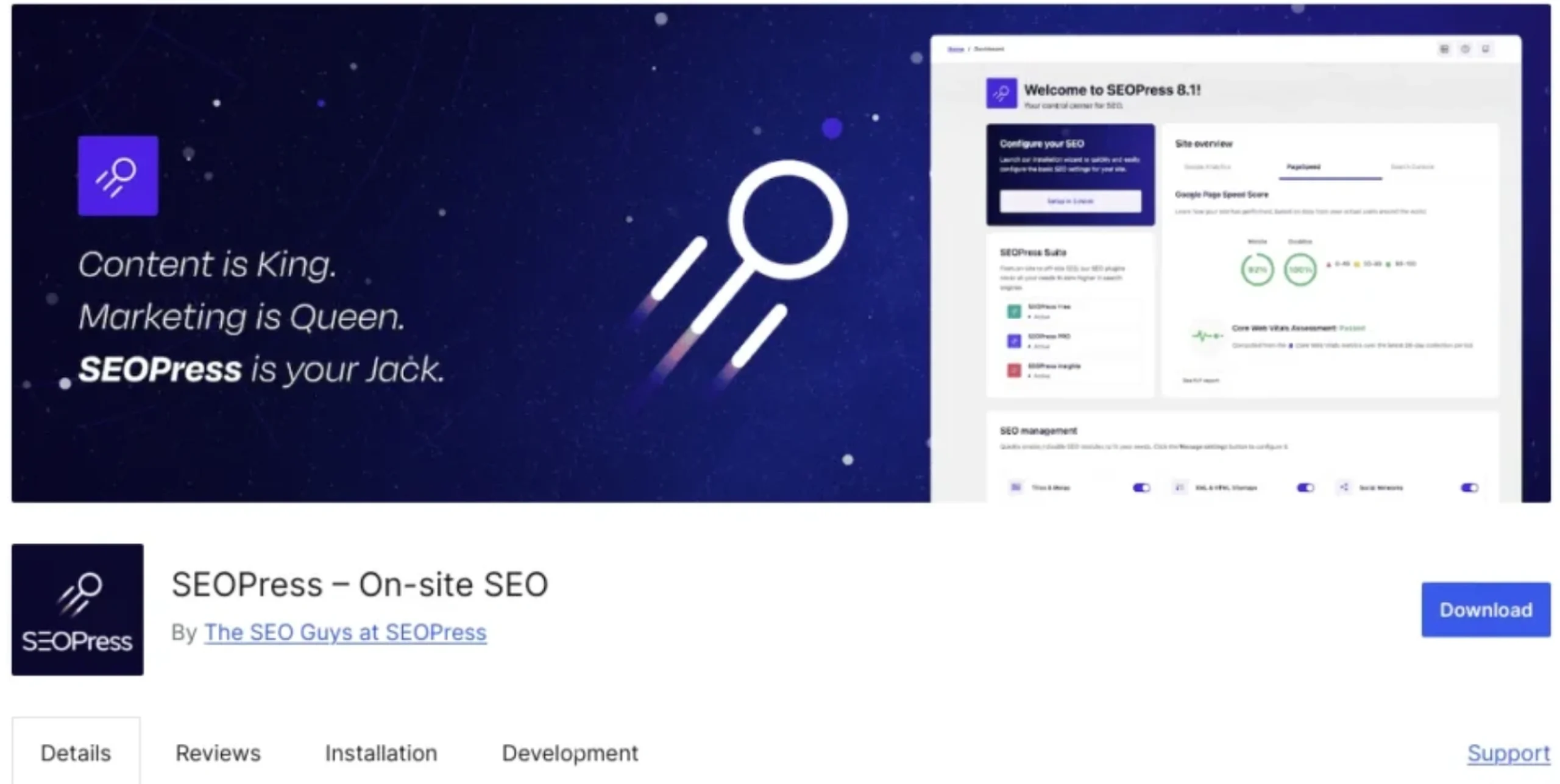
SEOPress supports over 1 million active installs and is a strong choice for developers and agencies managing multiple sites. It integrates with Google Analytics 4 and Matomo, includes WooCommerce SEO, breadcrumb customization, and offers a white-label option, all at a lower price point than most competitors.
Key Features:
GA4 + Matomo integration, breadcrumb control, WooCommerce support, multi-site compatibility, white-label
Limitation:
Fewer beginner-friendly tutorials compared to Yoast or RankMath
Best For:
Multi-client web agencies and WooCommerce-powered online shop owners looking for flexible SEO management
10. Broken Link Checker
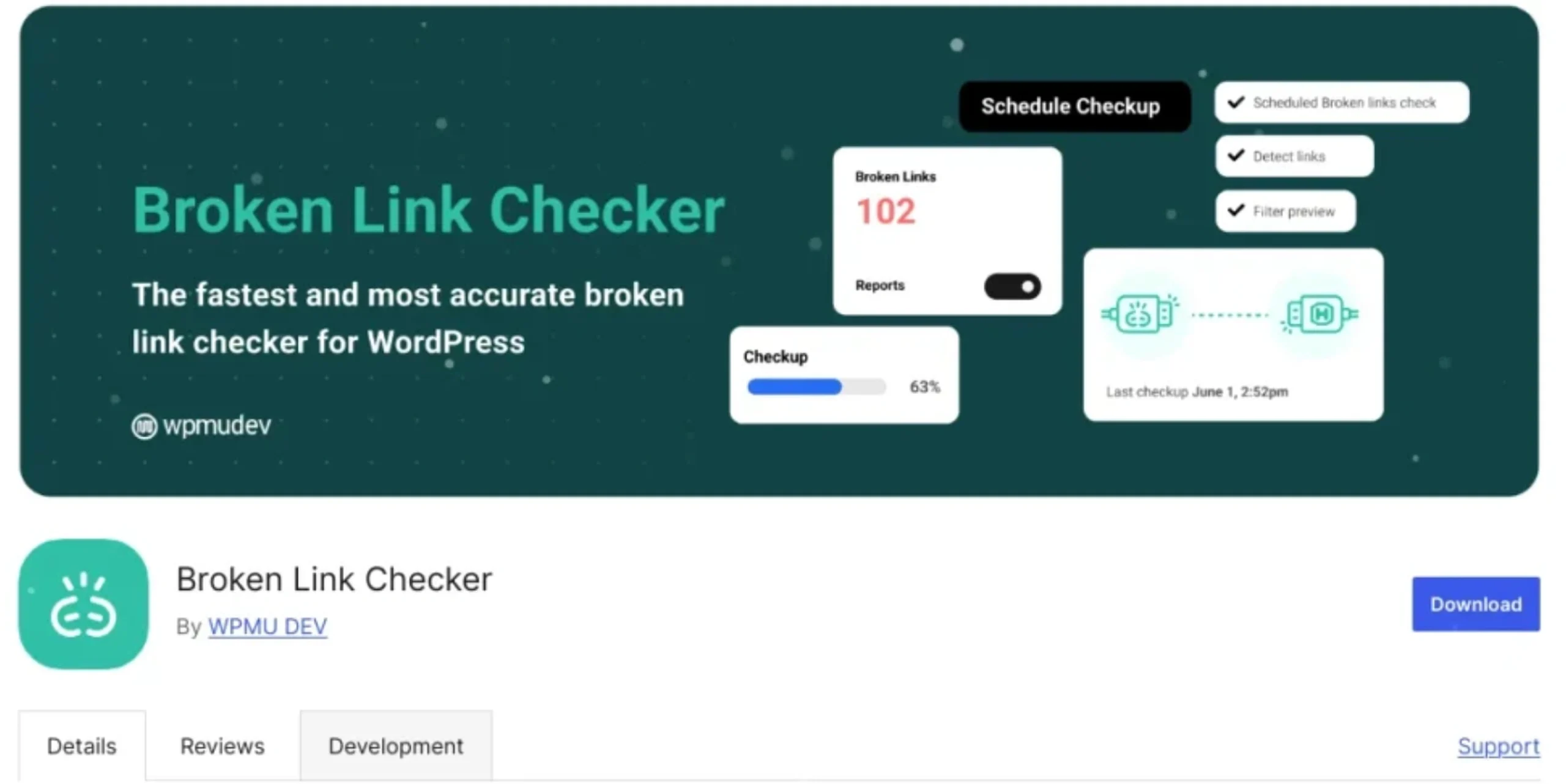
Broken links damage both user experience and Google crawlability. This plugin continuously scans your site, flags broken URLs, and lets you fix or unlink them directly from one screen, no need to edit posts individually.
Key Features:
Continuous link monitoring, bulk fix options, and email alerts for new broken links
Limitation:
Can slow down performance on shared hosting if scan frequency isn’t managed
Best For:
Any site owner with a large content archive who publishes regularly
Why WordPress SEO Plugins Are Essential in 2026
Search has changed significantly. Google’s SGE now generates AI-powered answers at the top of results, pulling from content that is clearly structured, factually accurate, and schema-optimized. Ranking well in 2026 means covering three layers:
Traditional SEO: Keywords, meta tags, sitemaps, internal links
Technical SEO: Page speed, Core Web Vitals, mobile performance, crawlability
AI-Ready SEO (AEO/GEO): Structured data, schema markup, clear answer formatting for AI Overviews and generative search engines
A well-configured WordPress SEO plugin covers all three layers automatically, flagging issues, generating schema, managing redirects, and keeping your content indexed correctly as search algorithms evolve.
Final Thoughts
For most sites, RankMath is the best starting point. It’s free, powerful, and optimized for how search works in 2026. Business sites benefit most from AIOSEO, while developers and performance-focused builds should consider The SEO Framework.
Whatever plugin you choose, consistent configuration and quality content matter more than the tool itself. Set it up properly, add schema where relevant, and focus on content that directly answers what your audience is searching for.
Migrating or managing large amounts of WordPress content? WP Ultimate CSV Importer Pro lets you import, export, and manage posts, pages, custom fields, and media in bulk without touching code. Used by thousands of WordPress site owners worldwide.
Q1. Which is the best free WordPress SEO plugin?
RankMath offers the strongest free plan among WordPress SEO plugins. It includes schema markup, multi-keyword tracking, Google Search Console integration, and a 100-point SEO scoring system, features that most plugins only offer in paid tiers.
Q2. Is Yoast SEO still a good WordPress SEO plugin?
Yes. Yoast SEO remains one of the most reliable and widely supported options available. Its beginner-friendly interface, strong documentation, and broad compatibility with page builders and themes keep it a top choice for most WordPress users.
Q3. Can you use two WordPress SEO plugins at the same time?
No. Running multiple WordPress SEO plugins causes conflicts in sitemaps, meta tags, and schema output. Choose one primary SEO plugin and configure it fully rather than running multiple tools simultaneously.
Q4. Which WordPress SEO plugin works best with WooCommerce?
All in One SEO and SEOPress both include dedicated WooCommerce SEO modules that handle product schema, category optimization, breadcrumbs, and rich results, making either a strong choice for online stores.
Q5. Do WordPress SEO plugins help with Google’s AI Overviews in 2026?
Yes. Plugins like RankMath and Yoast Premium generate structured data and schema markup that improve eligibility for AI Overview summaries and SGE-driven results. Combining a well-configured plugin with clear, answer-formatted content gives the best results.
Q6. What is the lightest WordPress SEO plugin for fast-loading sites?
The SEO Framework is built specifically for performance. It uses minimal database queries, includes no third-party trackers, and comes preconfigured, making it the best option for speed-focused WordPress builds.
Q7. Which WordPress SEO plugin is best for managing multiple sites?
SEOPress and AIOSEO both support multi-site WordPress networks. SEOPress also includes a white-label option, making it a preferred choice for agencies managing client sites.
Q8. How do WordPress SEO plugins help with keyword optimization?
WordPress SEO plugins like RankMath and Yoast analyze your content in real time, checking keyword placement in titles, meta descriptions, headings, and body text, then scoring your optimization and suggesting improvements before you publish
